Getting Physical with AI (1): A Body for My Musubi-Making Agent
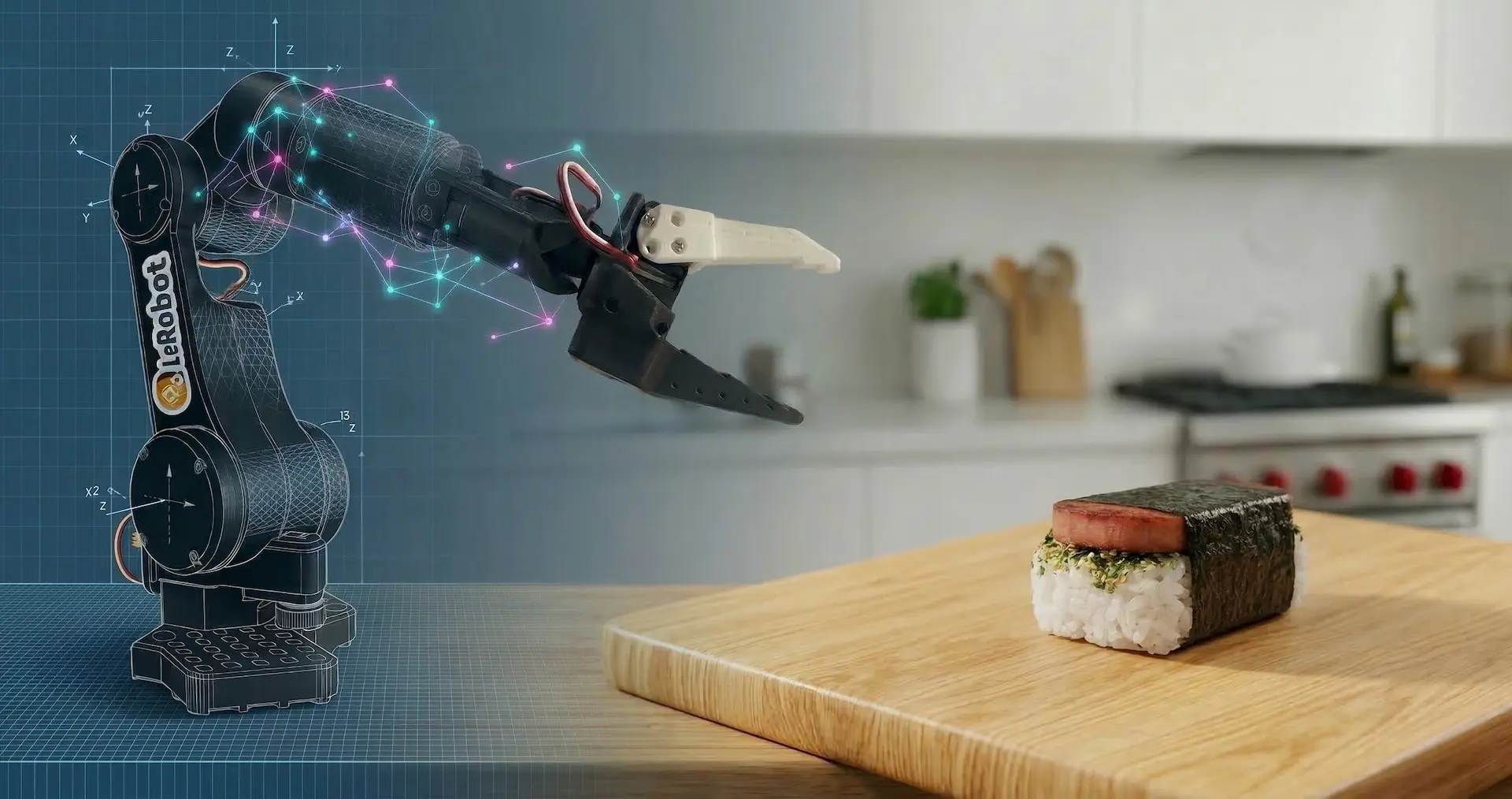
Original photo by Hugging Face
AI agents are pretty fantastic. I use tools like GitHub Copilot and Claude Code daily to code and learn, and they’re a massive help. My biggest complaint is their usefulness today is trapped in the digital realm. And digital agents can’t place a slice of grilled Spam onto a bed of rice or fold nori, can they? So, my excitement for them can only go so far.
Then I learned that the Claudes and GPTs of the world have cousins like GR00T, Cosmos, π, and Genie that exist to enable physical agents. I decided it was time to experience what’s possible when an agent is broken out of its digital box and given the intelligence to interact with the world.
Okay, But What’s With Musubi?
1. Fuel
Exploring AI for robotics (often called physical AI) works up a serious appetite. How am I fueling this journey? Inevitably, with musubi. It was a childhood favorite of mine and deserves to be the official snack of this project. My wife isn’t convinced the excessive sodium is justified, but science must prevail.
2. Squishiness
A simple task like picking and placing a slice of Spam is surprisingly difficult for a robot. In classical robotics, you’d have to build a perfect math-based model of the world and then tell the robot exactly how to move within it. The problem is that the real world is messy and unpredictable. Physical AI shifts the paradigm: instead of me trying to manually model the physics of a squishy block of rice, the robot learns to navigate that complexity from the data.
With physical AI, I won’t be writing if/else statements for every grain of rice. Using LeRobot and GR00T, I can show the robot how to handle the ingredients. Instead of a rigid script, the robot will learn to adapt to the squishiness. See this post for more info on LeRobot, GR00T, and the other tools I plan to use for this project.
3. Why not?
How awesome is it that I can even attempt a musubi-making agent? One or two years ago, this would have required a robotics degree, a lab at a university, and a $50,000 industrial arm. Today, if you’re a software engineer with a laptop, around a hundred bucks to buy the electronics, and access to a 3D printer, you can build a physical AI agent like this as a side project.
Building the SO-101 Robot Arm
To give my agent a body, I chose the SO-101. Building it was pretty straightforward and mostly a matter of following the Hugging Face guide.
Check out this sped-up video of me unboxing, assembling, calibrating, and doing a test teleoperation of the SO-101 follower arm. There are other videos out there that are more step-by-step like this one from WowRobo. For mine, it’s just a quick look at what it’s like to build one of these.
Tips
The only issue I ran into was during calibration. While calibrating one of the motors, the LeRobot calibration script threw this error: ValueError: Magnitude 3641 exceeds 2047 (max for sign_bit_index=11). I found this LeRobot GitHub issue that had some helpful tips. Ultimately, I got around the issue by trying different starting positions for the arm until I found one that worked with the script. It was a hacky workaround but it got things working and caused no issues later for teleoperation.
If buying a kit, I recommend getting one that provides a wrist camera. If going the 3D printing route instead, make sure to look at the camera options listed on the SO-100 GitHub. Having a wrist camera will be important for training later as explained in this video.
What’s Next?
Now I’ll be collecting the data to train GR00T how to move the SO-101. I’ve got the robot arm, I’ve got the models, and now I just need to record enough data for training (without eating all the supplies first).